
Backup & Disaster Recovery
Keep critical operations moving when technology fails. PBCLLC helps Virginia businesses protect essential data, prepare for ransomware and system failures, and establish practical recovery priorities that support employees, customers, and revenue.
What Happens When Critical Data Is Suddenly Unavailable?
Hardware can fail. Files can be deleted. Systems can become corrupted. Cybersecurity incidents can disrupt access to critical business information.
Every hour of disruption can affect employee productivity, customer service, contractual obligations, and revenue. The real business question is how much data you can afford to lose—and how long you can operate without a critical system.
Prepare Before a Disruption Happens
PBCLLC helps organizations across Virginia align backup protection and recovery planning with operational priorities. We help identify critical workloads, monitor supported backup jobs, and plan for recovery—not merely store copies of files.
- Managed backup solutions
- Endpoint data protection
- Server backup support
- Backup monitoring
- Data recovery support
- Disaster recovery planning
- Business continuity guidance
- Recovery testing and restore verification options, as scoped
Protect the Technology Your Business Depends On
A dependable recovery program combines protected copies, backup monitoring, defined recovery priorities, and practical restore procedures. PBCLLC helps businesses build those capabilities around supported systems and agreed service scope.
Endpoint Backup
Protect supported business data stored on employee workstations and other covered endpoints.
Server Backup
Help protect important data and workloads stored on supported business servers.
Backup Monitoring
Review supported backup job status and alerts to identify failed jobs, missed protection windows, and issues that require investigation. A successful job alone does not prove that a restore will work.
Data Recovery
Assist with restoring covered files, applications, or systems when recovery is needed, using available recovery points and procedures appropriate to the environment.
Disaster Recovery
Help organizations prepare for larger technology failures and events that may interrupt operations.
Recovery Planning
Define recovery priorities, responsibilities, and procedures. Where included in the engagement, conduct controlled test restores, verify recovered data, and document findings for improvement.
Data Loss Can Happen in Many Ways
Disaster recovery is not only about hurricanes, floods, or major physical disasters.
Everyday technology failures and cybersecurity events can create the same immediate problem: your organization can no longer access the systems or information it needs to operate.
Protect. Detect. Recover. Resume.
Recovery planning starts with the business: what must come back first, how quickly it is needed, and how much recent data loss is acceptable. Backups are essential; tested recovery procedures turn them into a more dependable continuity capability.
Protect
Back up important business data and supported systems before a disruption occurs.
Detect
Monitor supported backup jobs and alerts, investigate failures, and identify protection gaps that could affect recovery readiness.
Recover
Restore covered data and systems from available recovery points. Test restoration procedures and validate results when testing is included in the service scope.
Resume
Prioritize essential services, validate restored functionality, and support a controlled return to normal operations based on the agreed recovery plan.
Protect the Data
Backup creates protected copies of important information so data can be recovered when the original becomes unavailable, damaged, or deleted.
Backup design may include appropriate retention, access controls, and off-site or isolated copies, depending on the platform and agreed requirements. These safeguards can help reduce exposure to ransomware and accidental loss.
Restore Business Operations
Disaster recovery looks beyond individual files and considers how technology, systems, and data can be restored after a larger disruption.
Recovery readiness also requires documented procedures and evidence that critical information can be restored. Planned test restores help expose issues before an actual emergency.
Build Recovery Around Business Priorities
Not every system has the same business impact. We help frame recovery decisions around critical services, acceptable downtime, acceptable data loss, and the resources required to restore operations.
Backup & Disaster Recovery Services Across Virginia
PBCLLC provides backup, disaster recovery, and managed technology services to organizations throughout Hampton Roads and across Virginia.
Remote service capabilities allow our team to support organizations across Virginia, while onsite services are available within supported service areas.
View Our Service Areas →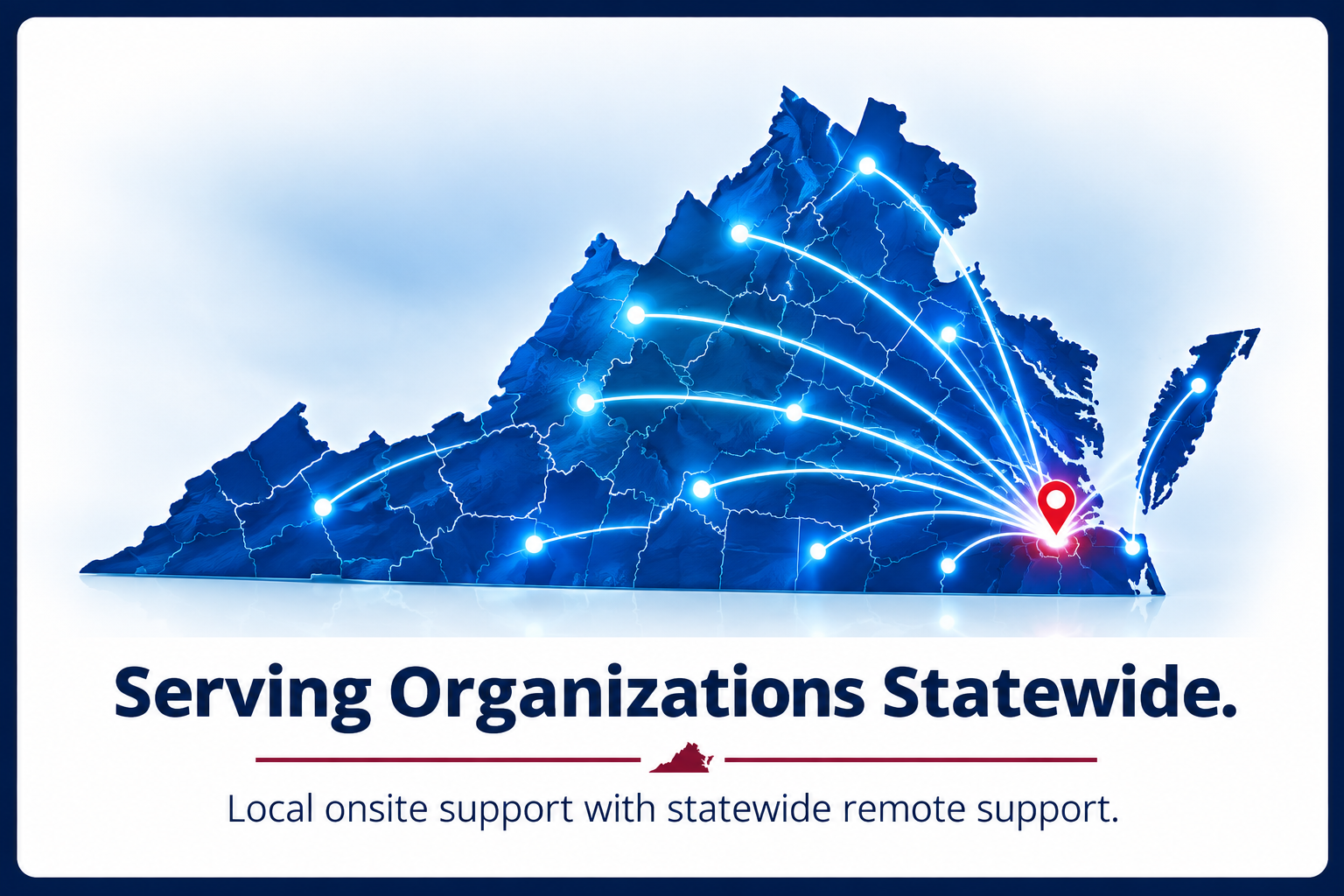
Understand Your Recovery Readiness
The right backup strategy depends on the systems you use, the data you need, and how long your business can tolerate an interruption.
How often should our business data be backed up?
Backup frequency should reflect how much recent data your business can afford to lose. That acceptable loss window is your recovery point objective (RPO). We can help evaluate appropriate schedules for supported systems and the services selected.
Are Microsoft 365 and other cloud services automatically backed up?
Cloud services may provide retention and recovery features, but these do not always meet every organization's independent backup or retention requirements. Coverage for Microsoft 365 or other cloud data depends on the selected backup product, configuration, and service agreement.
Can backups help us recover from ransomware?
Protected backups can be an important part of ransomware recovery. Appropriate access controls, separate or isolated backup copies, monitoring, and tested restoration procedures can reduce risk. No backup system guarantees recovery from every incident.
How do we know whether our backups can actually be restored?
Backup job success is only one indicator. A controlled test restore can help verify that protected data is usable, identify missing dependencies, and document the steps and time required. Testing frequency and scope should be agreed as part of your recovery plan.
How quickly could our systems be recovered?
Recovery time depends on the affected systems, backup design, available infrastructure, incident severity, and dependencies. A recovery time objective (RTO) is a planning target, not a universal guarantee. We can help assess priorities and suitable recovery options.
Don't Wait Until You Need a Backup to Find Out It Doesn't Work
Talk with Premier Broadband & Consulting, LLC about protecting critical data, setting realistic recovery objectives, and evaluating restore-testing options. Build a recovery strategy around your operational needs—not assumptions about whether backups will work.
Schedule a Consultation →